What Souschef shows
Every recipe with nutrition data displays a per-serving breakdown of:- Calories
- Protein
- Carbohydrates
- Fat
- Additional nutrients (fiber, sugar, sodium, and more when available)
Where nutrition comes from
Souschef pulls nutrition data from two places:- From the source website, when a recipe is imported from a site that publishes structured nutrition data.
- From AI estimates, when the source doesn’t include nutrition or you’ve created a recipe yourself.
Generate Nutrition with AI
If a recipe doesn’t have nutrition information, generate an estimate in one tap.1
Open the recipe
Tap any recipe in your library.
2
Tap 'Generate Nutrition'
In the nutrition section, tap Generate Nutrition. Souschef reads the ingredients, quantities, and servings and produces an estimate for calories, protein, carbs, fat, and additional nutrients.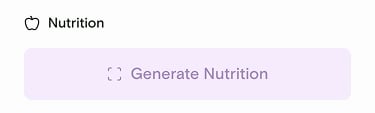
3
Review the estimated values
The estimated nutrition is labeled so it’s clear the values came from AI. Tap any number to edit it if you’d like a more precise value.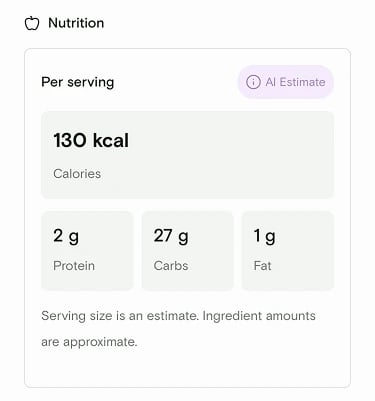
AI nutrition estimates are meant as a helpful guide, not medical or dietary
advice. Actual values depend on brands, exact quantities, and how you cook —
always double-check if you have specific dietary needs.
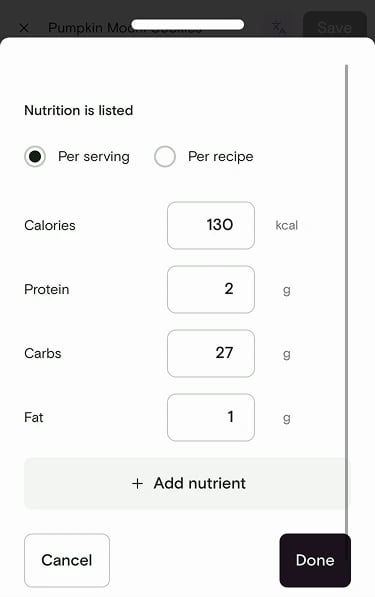
Edit nutrition manually
You can always override any value. Tap the nutrition section, then edit calories, protein, carbs, fat, or add more nutrients. Choose whether values are listed Per serving or Per recipe. This is handy when you know a value more precisely than the source or the AI does.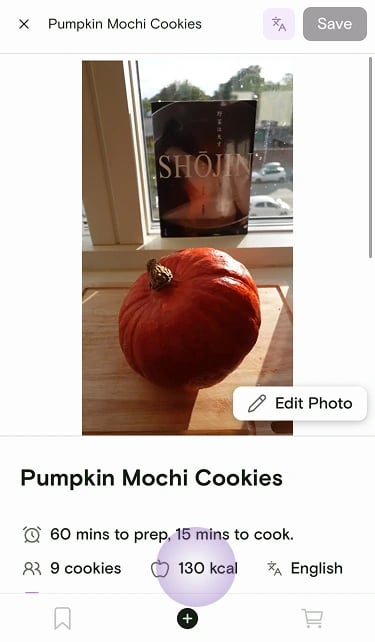
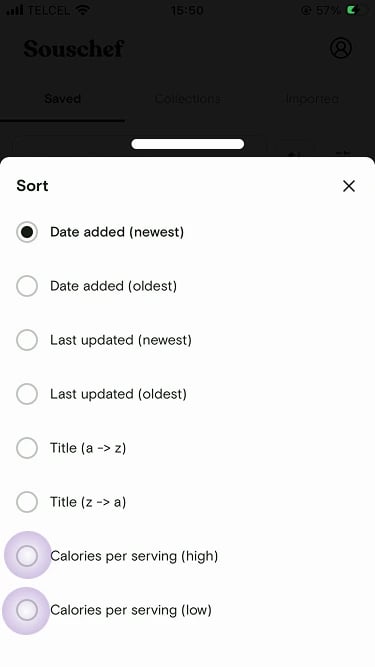
Sort your library by calories
Looking for something lighter tonight? Open the sort menu on your library and choose Calories per serving (high) or Calories per serving (low).