Included in Free plan Importing from Instagram is included in the free version of Souschef. Souschef makes it easy to save Instagram recipe posts and reels so you’ll never lose track of a great dish again. When you import a post, Souschef extracts recipe information from the caption and, when available, the video’s spoken audio — then organizes everything neatly in your recipe collection. There are two ways to do it, so pick whichever works best for you!
Souschef works best when the recipe is included in the post caption or spoken aloud in the video. If a post only shows the finished dish without explaining the recipe, Souschef may not have enough information to create a complete recipe.

How to import a recipe from Instagram

Already looking at a recipe in the Instagram app? Share it straight to Souschef.
1

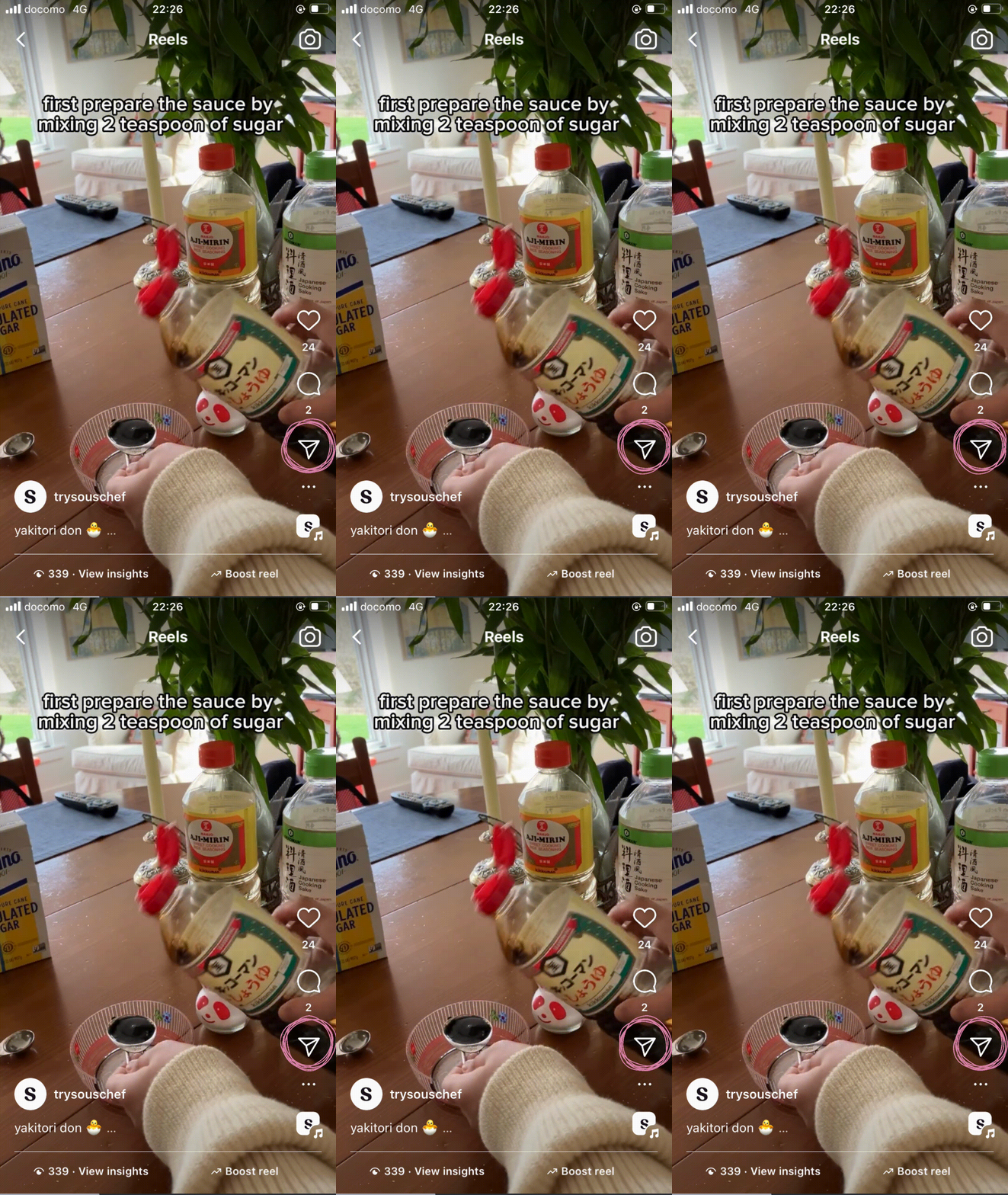
Find a recipe and tap the send button

Browse Instagram and find a recipe post or reel you want to save. Tap the Send button (the paper airplane icon).Instagram post with the Send button highlighted
2

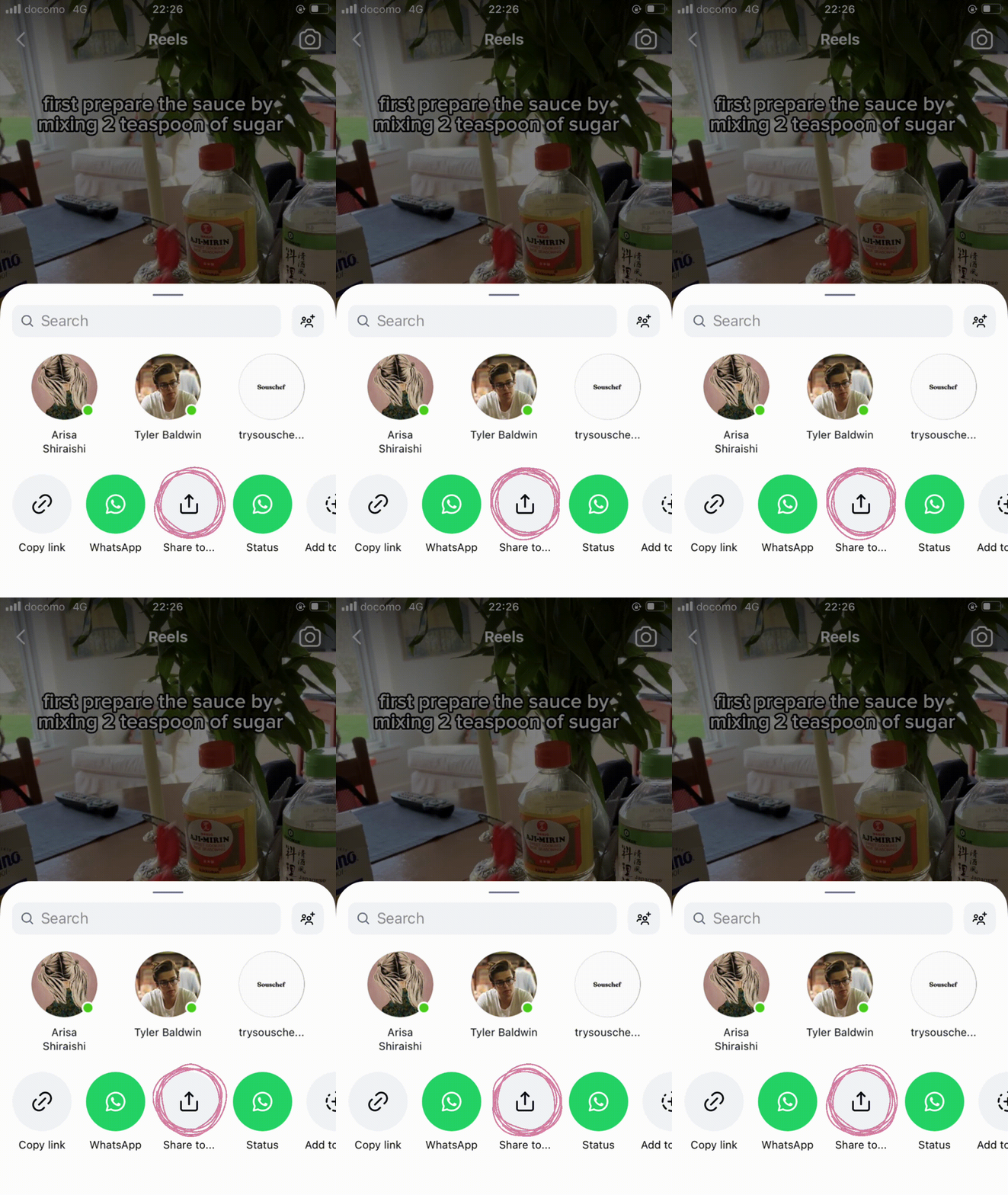
Tap Share to…

In the menu that appears, tap Share to… to open your phone’s share sheet.Instagram share menu with Share to highlighted
3

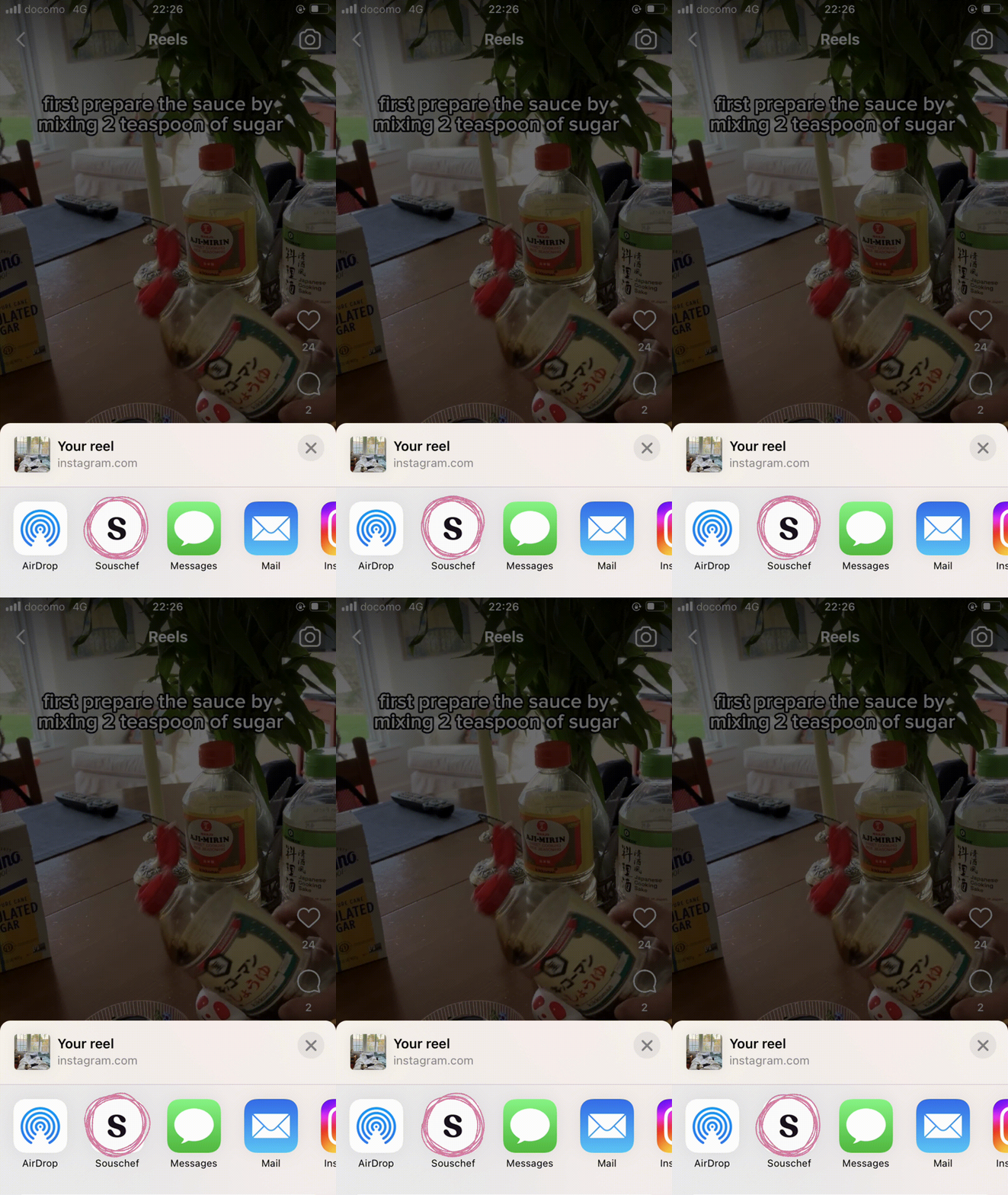
Tap the Souschef icon

Tap the Souschef icon in the share sheet. Souschef will open and start extracting the recipe automatically.Share sheet with the Souschef app icon highlightedDon’t see Souschef in the share sheet? Follow Add Souschef to your share menu.
4

Wait while Souschef extracts the recipe

Souschef will extract the recipe from the post’s caption and spoken audio when available. This usually takes up to 30 seconds, and then your recipe will be ready to view, edit, and cook!
The process can take up to 30 seconds. Keep the Souschef app open while it works — closing the app too early may interrupt the import.

Troubleshooting

If Souschef couldn’t find a recipe, or the extracted details look incomplete, don’t worry — it doesn’t always mean something went wrong. See Why a recipe import might fail for common reasons and easy fixes.

Still need help?

Our team is always happy to assist — contact support.