Supported languages
Recipes can be translated between any of these languages:- English
- Japanese
- Spanish
- French
- German
- Italian
- Korean
- Chinese
- Portuguese
- Dutch
- Swedish
- Danish
- Finnish
- Polish
What translation does
When you translate a recipe, Souschef:- Creates a linked translated recipe — a new recipe in your library with all text (title, ingredients, steps, notes) in the target language.
- Preserves the original — your original recipe stays exactly as you had it. Translation never overwrites the source.
- Displays “Translated from…” — the new recipe shows a clear label linking back to the original so you always know its origin.

How to translate a recipe
1
Open the recipe you want to translate
Tap the recipe in your library.
2
Tap the translate button
Tap the translate icon in the top bar.
3
Choose a target language
Pick from the list of supported languages.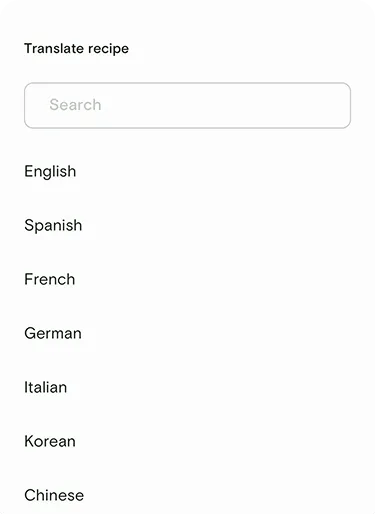
4
Review the translated recipe
Souschef creates a new, linked recipe in your library with the translated content. Tap Save to keep it.