iOS (iPhone & iPad)
Souschef is available for iPhone and iPad running a recent version of iOS/iPadOS. It was the first platform Souschef launched on, so the iOS version is well-established and packed with features. Download on the App Store →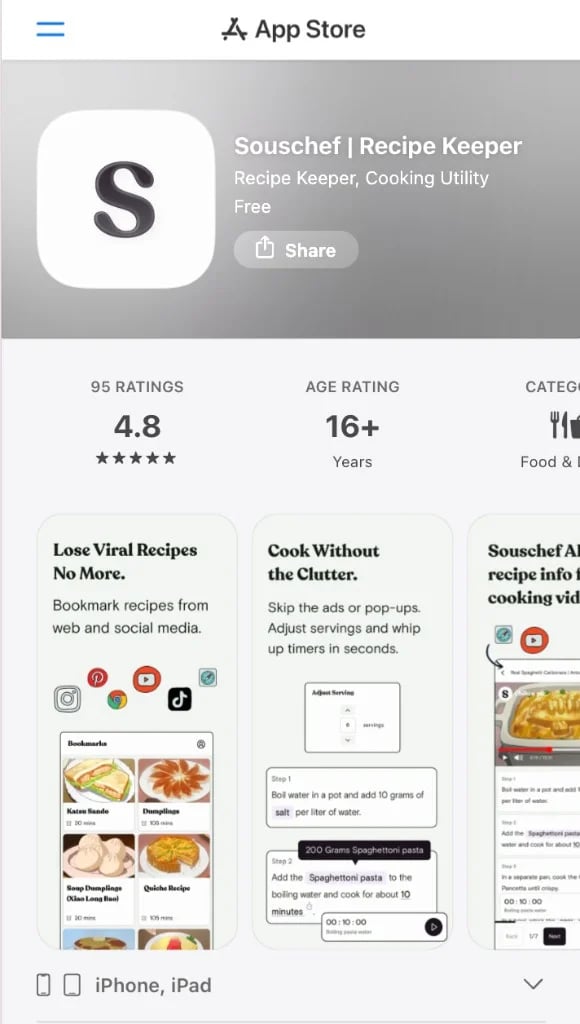
Android
Android support arrived in February 2025, bringing Souschef to Android phones and tablets. If you’ve been waiting to try it on your Android device, now’s the time! Get it on Google Play →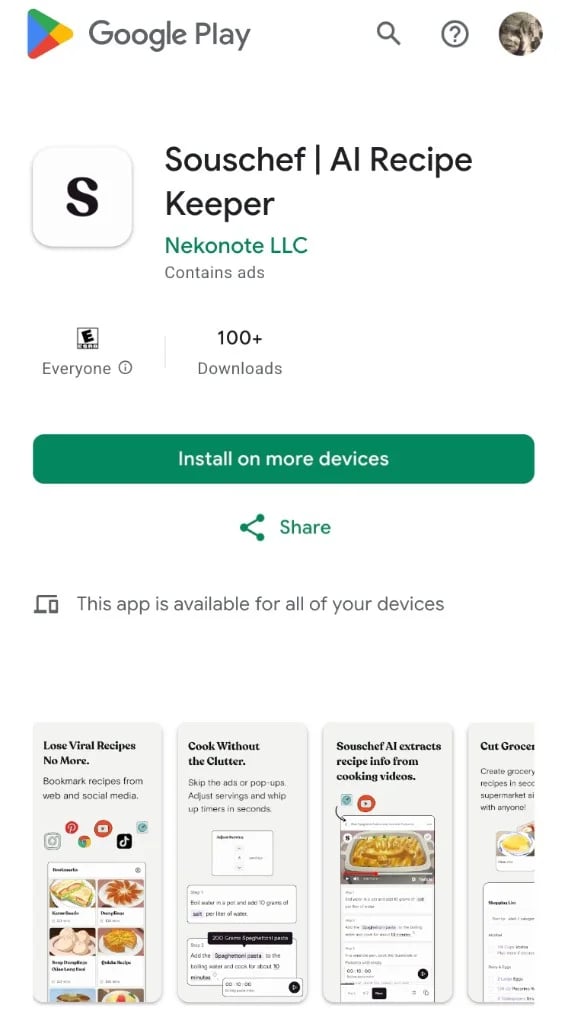
Web (shared recipes, lists, and collections)
View shared recipe lists on the web. Share recipe lists with a web link. When someone opens a shared recipe link in their browser, they can:- View the recipe
- Read ingredients and instructions
- Adjust serving sizes
- Switch between supported measurement systems (Metric, US Customary, and more)
trysouschef.app/s/…), they can view the list. If Allow editing is on, they enter a short name, then check or uncheck items. On a view-only link, they can look but not check. See Share a shopping list.
When someone opens a shared collection link, they can browse recipes. They cannot edit from the web. Joining happens in the app. See Shared collections.
Importing, cooking, and organizing happen in the iOS and Android apps. On the
web, you can view shared recipe lists.
What you do in the mobile app
These parts of Souschef are in the iOS and Android apps:- Importing recipes
- Organizing your recipe library
- Cooking Mode
- Journal
- Meal Plan
- Pinned recipes
- Building shopping lists (guests can still open a shared list on the web)
- Joining and editing shared collections
- Pantry
- AI Discovery
- AI Translation
- AI Tagging
- Account management
Frequently asked questions
Do I need an account to use Souschef?
Do I need an account to use Souschef?
You can start importing and cooking with Souschef right away. Creating an account may enable additional features such as syncing your recipes across devices — check the app for the latest options.
Can I use Souschef on a tablet?
Can I use Souschef on a tablet?
Yes! Souschef works on both iOS tablets (iPad) and Android tablets. It’s a
great way to prop your device up on the kitchen counter and follow along with
a recipe on a bigger screen.
Is there a web version of Souschef?
Is there a web version of Souschef?
Yes. Souschef includes a lightweight web version for shared recipes, shopping lists, and collections.When someone opens a shared recipe link in their browser, they can read the recipe, adjust serving sizes, and switch measurement systems without installing the app. Shared shopping lists can be viewed — and checked off on an edit link after entering a name. Shared collections can be browsed as recipes. No editing on the web.To import recipes, organize your library, journal, plan meals, join or edit shared collections, use Cooking Mode, Pantry, AI features, and the rest of the Souschef experience, you’ll need the iOS or Android app.